You’re in your studio at dusk, surrounded by neatly arranged product samples. The perfect light finally hits the table, your camera is set—yet something still feels flat. What if you could turn these frustrating shoots into images proven to sell, quickly and precisely? Shadows are too harsh, the background distracts, or the color isn’t accurate for your online store. Sound familiar?
For years, photographers, e-commerce owners, furniture brands, florists, and studio managers have faced these small but costly frustrations. Then AI arrived, promising instant solutions. Now, everyone’s talking about AI-generated product photos—and the confusion is real. Is it magic? Cheating? Will it replace real photographers?
At Cut Out Image, we’ve watched this shift closely. We’ve edited thousands of product images both before and after AI became part of the process. We’ll clear up the hype, share real examples, and show you where AI works well, where it doesn’t, and how experts combine AI with skilled editing to create images that sell. See the difference yourself and contact us today to improve your product images.
What is AI Product Photography?
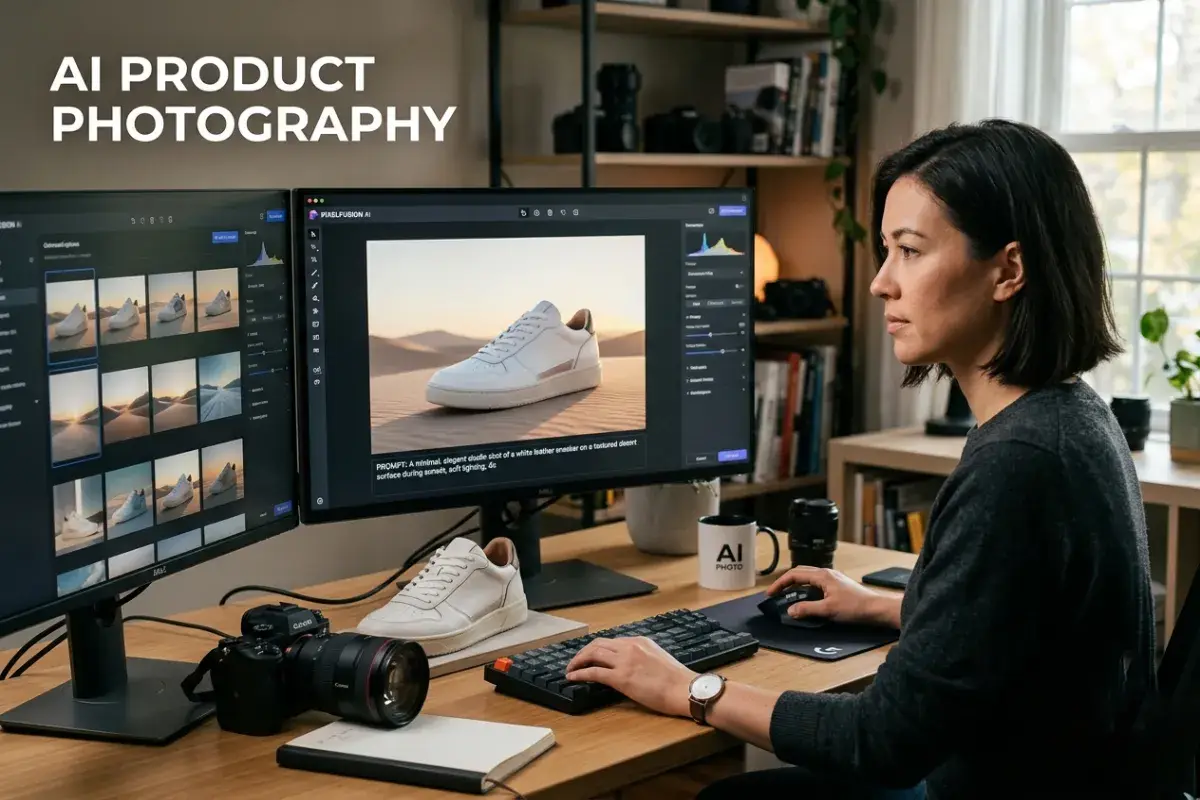
At first glance, the phrase sounds futuristic—almost like robots replacing cameras. That’s why many people assume AI product photography means skipping photoshoots entirely and letting software “create” images out of thin air.
Imagine this: you upload a single photo of a ceramic vase shot against a messy background, and within seconds, the AI removes the background, places the vase on a clean white surface, adjusts the lighting to look like professional studio work, adds subtle reflections, and even changes the color of the vase to three different shades — all without you touching Photoshop.
That, in simple terms, is AI product photography.
AI product photography refers to the use of artificial intelligence tools and algorithms to create, enhance, edit, or even fully generate product images for commercial use. It goes far beyond basic filters. Modern AI can understand context, recognize objects, simulate lighting, remove backgrounds, reconstruct missing parts, and produce hyper-realistic visuals that look like they were shot in a high-end studio.
At its core, it combines several powerful technologies:
- Computer vision (to recognize and understand the product)
- Generative AI (to make or change parts)
- Neural networks were trained on millions of professional product images.
This is different from traditional photography, where everything depends on the photographer’s skill, the lighting setup, and hours of manual post-production. With AI, many of those labor-intensive steps become automated or semi-automated.
However, here’s where many people get confused. Some think AI product photography means completely replacing cameras and humans with text prompts like “show a red sofa in a luxury living room.” In reality, the smartest workflows today blend real photography with intelligent editing. This is exactly where professional AI image editing services and AI product editing services become incredibly valuable — they act as the bridge between raw shots and polished, conversion-ready images.
The technology is evolving rapidly, but its real power lies not in replacing creativity, but in removing the repetitive, time-consuming parts of image post-production so that photographers and brands can focus on what truly matters: telling a compelling product story.
How AI Is Changing Product Photography
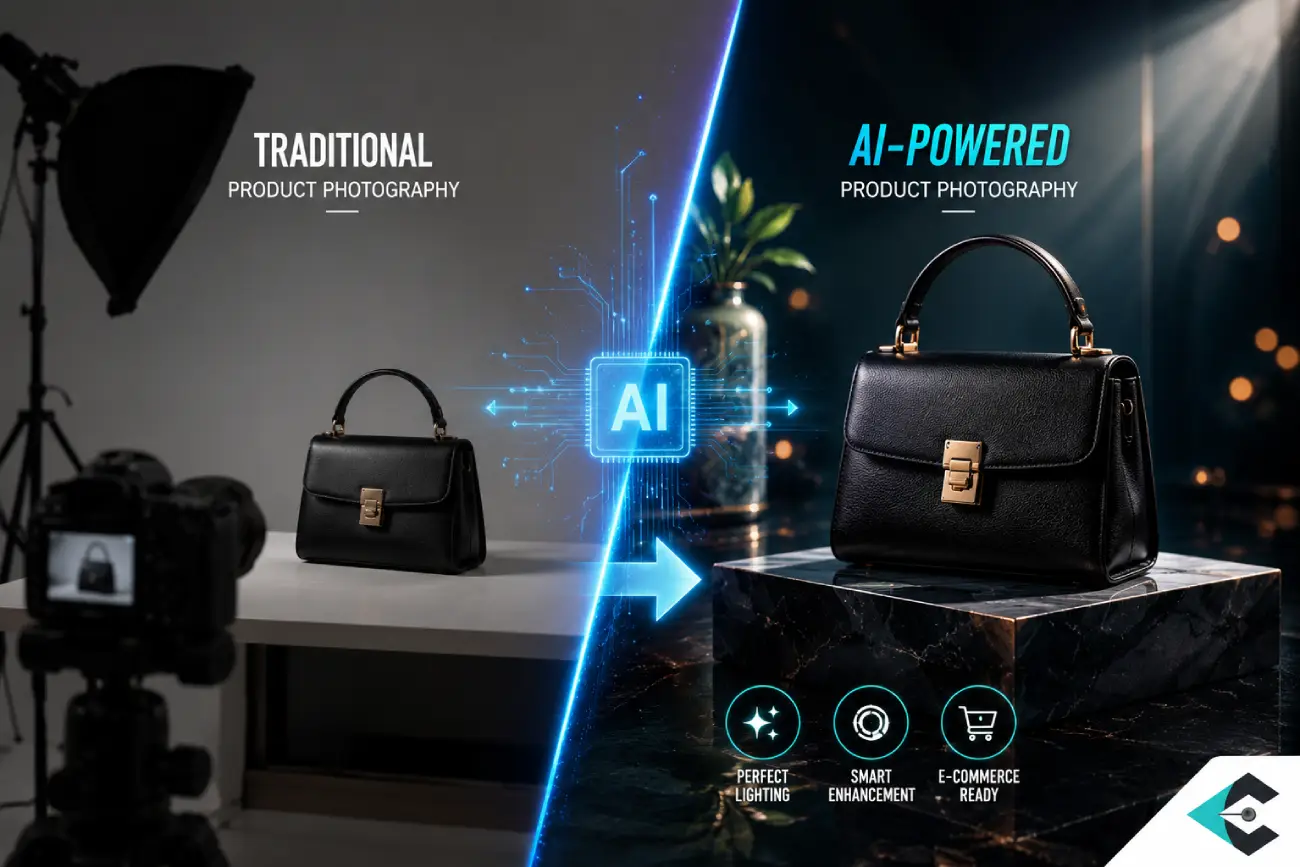
Let me share a real story from our own experience. One of our e-commerce clients struggled with uneven lighting on hundreds of products. After he used AI-powered editing and we provided additional hands-on adjustments, every item looked professionally lit—no fancy setup needed. His catalog looked sharp, and sales improved.
Stories like his aren’t rare anymore. It’s no wonder so many professionals feel a mix of excitement and unease. What used to take hours in Lightroom—fixing shadows, cleaning backgrounds—AI now does in minutes. But beyond the speed, there’s a bigger question: what’s really changing behind the scenes? How is artificial intelligence reshaping the industry?
From what we’ve seen firsthand, the shift isn’t flashy. It’s not a loud revolution. It’s a calm, deep change happening little by little, image by image, catalog by catalog.
Here are the most significant ways AI is transforming product photography today:
AI-Generated Backgrounds: AI-generated backgrounds are changing product photography. Every product needs a background, and now AI can make custom options like studio, lifestyle, or creative scenes without using real sets. Brands can create many versions from a single image and even create digital room settings. But if these backgrounds are edited badly, they can look fake or unnatural.
Competent Shadow Correction: AI can brighten up dark product photos and add natural-looking light and shadows. This means a table shot in a dull warehouse can look like it’s in a nice, bright showroom. It’s quick and helps all your photos look good together.
Automated Color Correction: Ever buy something online and the color just isn’t what you expected? AI editing tools help with that. They match product colors to exact codes like HEX or Pantone and fix lighting on lots of photos at once. They can even suggest colors that look great together. That’s why florists and fashion brands use them to make sure what you see online actually looks real.
Ghost Mannequin Effects: You can easily create invisible mannequin or “ghost” effects using simple tools. These effects remove mannequins from clothing photos while preserving the fabric’s natural folds and creases—something that used to require a lot of Photoshop experience. This has greatly increased sales for online clothing stores.
Creative Mockups: Modern AI can put your product into attractive everyday settings like a sofa in a stylish living room, jewelry on a model’s hand, or skincare products on a marble bathroom counter without costly photo shoots. Although not always perfect, these AI-generated scenes help online businesses test different marketing ideas quickly.
Defect Detection and Retouching: AI can now quickly spot and fix small scratches, dust, and other minor flaws in product photos. However, experienced editors still oversee the process to ensure the images remain natural and authentic—something beginners sometimes overlook by overediting.
Image Upscaling: You can improve low-resolution product photos from suppliers by upscaling them, which helps keep important details like textures and patterns clear. This is especially helpful for magazines and lifestyle photography that need high-quality prints.
Perfect Precision: Perfect Precision: Jobs that were previously 10-15 minutes per image are now seconds, due to the accuracy of AI. It can precisely cut out products, even around difficult details like hair, glass, or fabric. Professional AI image editing services are now a major breakthrough, combining rapid automation with expert review to deliver perfect results at scale.
Consistency: Keeping product photos consistent has always been tough—lighting changes, different photographers, and shifting setups all make it difficult. With better editing tools, it’s easier to match colors, shadows, and backgrounds across all images. This directly supports the principles discussed in ‘Who Needs Photo Color Correction Services?’—because consistency builds trust and encourages customers to buy.
Speedy Edits: Editing hundreds of product images can take a long time, but AI can process them in minutes. It can handle entire catalogs consistently, even for thousands of SKUs. The key advantage is not just speed, but speed combined with consistency.
Cost Efficiency: Small businesses and growing brands often spend a lot on studio setups, multiple photo shoots, and manual editing. Switching to AI product photography and using a professional AI image editing service can solve these problems and help save money.
Bulk Image Editing: AI is especially helpful for businesses with thousands of products. It lets you edit large numbers of images quickly and with fewer mistakes. These tools can process entire catalogs at once, keeping the same style, quality, and format throughout.
Reduced Reshoots: Lighting problems, small flaws, or odd shadows? Instead of reshooting, many issues can now be fixed during editing—saving time, resources, and hassle, especially for global teams. But don’t fall for the myth that everything can be “fixed later.” Strong base images are still essential.
The truth is, AI isn’t replacing traditional photography — it’s making it more efficient and accessible. The most successful brands today aren’t choosing between AI and human work; they’re combining both through expert AI product editing services and professional image post-production.
How to Use AI for Product Photography
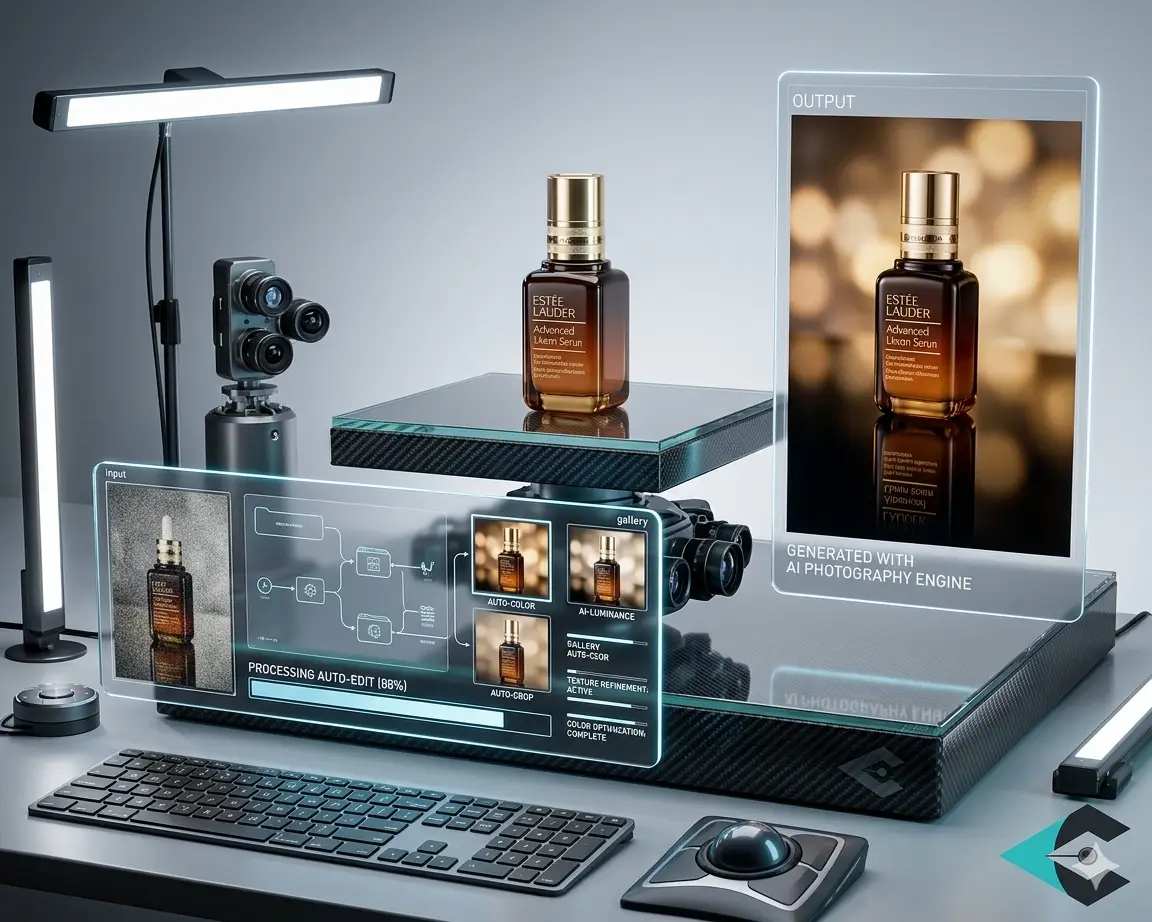
So you believe AI can help but how do you actually start using it without wasting time or getting fake-looking images? Here is a simple, step-by-step guide that real photographers, online store owners, and studio managers are using successfully right now.
Here are the most effective ways to use AI for product photography:
Use High-Quality Raw Photos: AI works best with clear, high-quality raw photos. Always start with well-lit, properly exposed pictures instead of hoping AI will fix bad shots. Take clear photos of your product from different angles first. This simple step greatly improves results when you use AI image editing tools later. If your original photo is blurry, dark, or off-center, AI will make those problems worse rather than fix them. This is why traditional photography remains important, even when using AI.
Apply AI Background Removal Tools: Upload your image to a reliable AI tool and let it remove the background instantly. Then, replace it with pure white, transparent, or a subtle lifestyle scene. Combine this with professional oversight from AI product editing Services to fix any tricky edges, such as fine jewelry chains or flower petals. AI can instantly remove backgrounds and replace them with:
- Pure white for marketplaces
- Gentle color fades for branding
- Everyday life pictures for telling stories
For example, a florist can take a basic bouquet shot and transform it into a premium setting without a full studio setup—something that complements e-commerce image editing services beautifully.
Apply AI Color Correction: Use AI to automatically fix white balance and color tint across an entire batch. For furniture brands and florists, this keeps colors consistent across seasonal collections. Many professionals then give the images to expert teams for final, detailed adjustments that AI still can’t do perfectly.
Create Ghost Mannequin: Shoot clothing on a mannequin, then use AI to remove the mannequin while keeping natural fabric folds and shadows. This technique has become extremely popular in fashion e-commerce because it looks clean and professional without the expense of invisible mannequins.
Generate Contextual Scenes: Take a clean product shot and use generative AI to place it in realistic environments — a wooden table in a cozy kitchen, skincare on a spa-like counter, or a lamp in a modern living room. This helps online businesses show scale and usage quickly and affordably. Still, alignment, scale, and perspective must be checked carefully—AI doesn’t always get it right.
Enhance Resolution and Add Details Upscale older or low-resolution supplier images using AI upscalers. These tools can intelligently recover details and sharpness. However, always check the final result carefully — especially for texture-heavy items like fabrics or wood grains. AI tools can:
- Make the light in the image even
- Add shadows that look natural
- Change the bright spots and shiny areas
But here’s the catch—over-automation can make images look flat. Subtle human refinement during image post-production keeps visuals realistic.
Remove Imperfections and Dust: Let AI automatically detect and remove small scratches, dust specks, or fingerprints. Then review the images yourself or with a professional editor. Overuse of this feature is one of the quickest ways to make products look artificial.
Review Before Publishing: Always Review Before Publishing because AI-generated visuals can sometimes include distorted edges, unrealistic shadows, and incorrect proportions. A final human review ensures your images meet professional standards before going live.
Test Multiple Variations: Create several versions of the same product using different backgrounds, angles, or lighting in minutes. Trial to determine which images perform better on your website. This data-driven approach helps e-commerce owners optimize their product pages faster than ever.
Integrate AI into Your Existing Workflow: No need to throw out everything you already do—just let AI handle the boring, repetitive stuff like backgrounds, basic retouching, and keeping colors consistent. Save your creative energy (and the tricky decisions) for the parts that really matter, like telling a story and making sure everything looks great at the end.
The key is treating AI as a powerful assistant rather than a complete replacement. Many successful studios and brands today use AI for speed and scale, then rely on experienced teams like Cut Out Image for the final polish through expert AI image editing services and image post-production.
AI Product Photography vs Traditional Photography
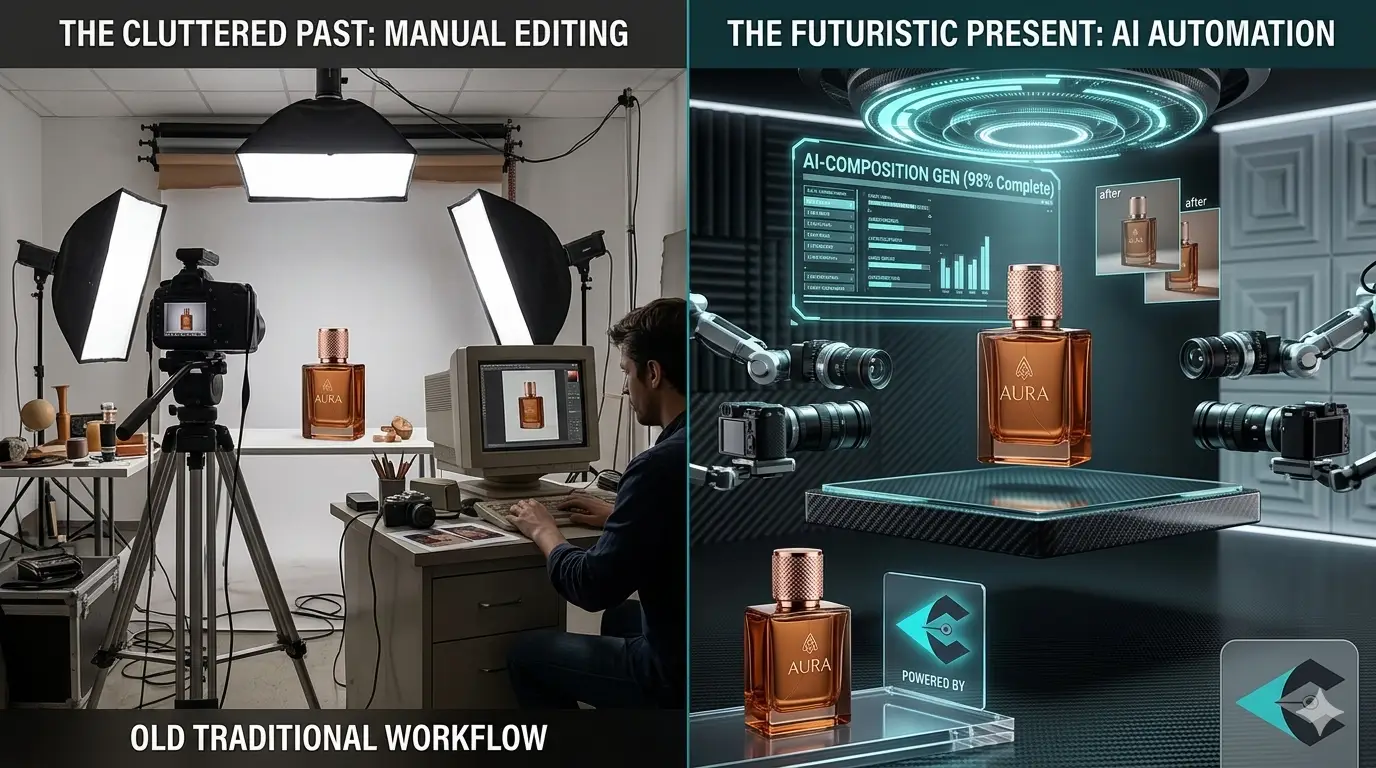
Many assume AI product photography will completely replace traditional methods. The reality is more nuanced and interesting.
A lifestyle photographer friend shared this story: “My client loved the soul in my traditional shots but hated the time and cost. When we tried AI, the speed was amazing, but the images felt cold.” They now use a beautiful mix of both.
Traditional photography still wins on emotion and authenticity. AI wins on speed, consistency, and cost. The real success stories we see come from professionals who shoot traditionally for quality and use AI + expert AI product editing services for efficiency and scale.
Here’s a clear, honest comparison:
- Speed and Cost Traditional photography is slower and more expensive — especially for large catalogs. AI can deliver results dramatically faster and at a fraction of the cost. However, the cheapest AI output often needs professional refinement. This is why many smart businesses combine both: using AI for speed and expert AI image editing services for quality.
- Consistency: AI is very good at keeping a uniform look across hundreds of images with the same lighting, angle, and background. Traditional photography depends heavily on the photographer’s skill and can vary from one session to another. For furniture brands and online stores with many products, this consistency is a major advantage of using AI in their process.
- Creativity and Emotion: Traditional photography remains better at conveying emotion, telling stories, and showcasing a unique artistic style. A skilled photographer can capture the right mood, texture, and feeling that AI often struggles to replicate. Think of a lifestyle photo where natural light shines on the petals of a flower. AI can copy it, but human photographers create it intentionally.
- Realism and Accuracy: High-quality traditional photography best shows products. AI-generated images often add fake textures, wrong reflections, or unnatural shadows. These problems can seriously affect items like jewelry, cosmetics, or food, where customers want to see exactly what they are buying. Professional image editors often have to fix these AI-caused mistakes.
- Control and Flexibility: When you’re shooting the old-school way, you call all the shots on set. But with AI, you get a ton of flexibility after the fact—you can swap backgrounds, tweak angles, or whip up quick variations in no time. Honestly, the sweet spot is a mix of both: do your thing with the camera, then let AI make the magic happen later.
- Scalability: Traditional photography becomes extremely difficult and costly when you have thousands of products. AI scales effortlessly. This is why growing online businesses and marketplaces increasingly rely on both.
- Learning Curve: Traditional photography requires years of skill development. AI tools have a much gentler learning curve, allowing photographers, florists, and studio managers to achieve professional-looking results faster.
The best results come from combining traditional photography for creativity and AI for efficiency.
By combining traditional photography with AI, businesses get the best of both: genuine creativity and easy growth. That’s why more companies want professional AI photo editing services. Companies like Cut Out Image connect the two, adding a human touch, precision, and consistent branding that automation alone can’t offer.
Limitations of AI Product Photography
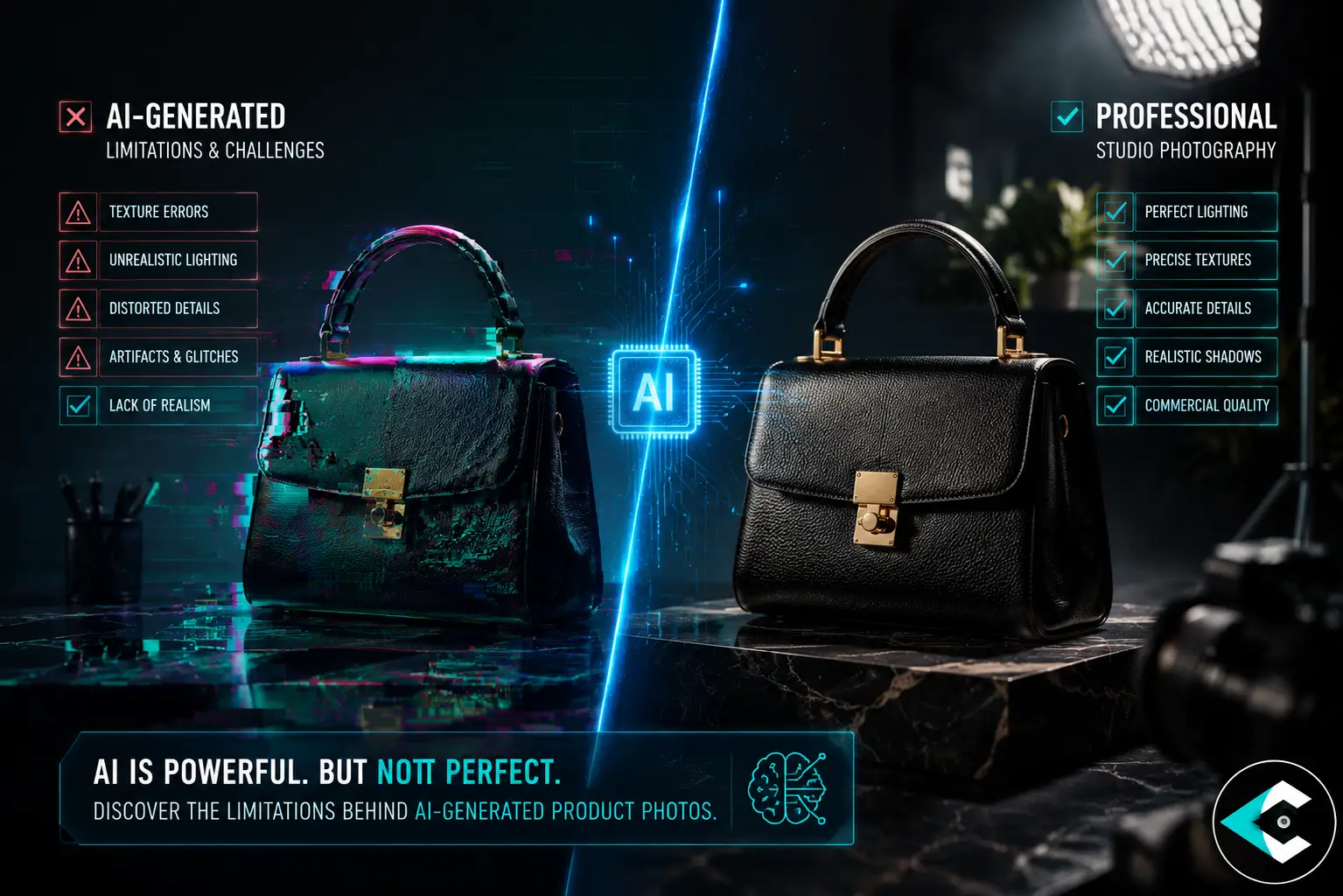
We’ve all felt the excitement of seeing AI turn a mediocre shot into something that looks studio-perfect in seconds. It’s tempting to believe it can do almost everything. But after working with hundreds of e-commerce brands, furniture makers, florists, and photographers, we’ve seen the other side of the story. AI is powerful, yet it still has clear boundaries.
Here are the most important limitations of AI product photography that every professional should understand:
Lack of True Understanding and Context: AI doesn’t really understand products like we do. It just matches patterns it’s learned. That’s why it sometimes makes odd mistakes—like clothes with strange folds, weird reflections on glass, or shadows that look off. A florist told us their AI bouquet looked great until someone noticed the flowers had petals that couldn’t exist. So, even if things look nice, AI can still mess up:
- Material authenticity (fabric weave, metal shine, glass depth);
- Useful details (buttons, sewing, edges);
- Real-world proportions.
For this reason, editing AI-generated product photos still needs a human review to make sure everything is accurate.
Inconsistent Quality on Complex Items: Simple products like mugs or boxes look good. But with jewelry featuring thin chains, clear perfume bottles, furniture with intricate woodwork, or clothes with delicate lace, AI often struggles. Edges get blurry, textures look too smooth, or tiny details vanish. This is why professional AI image editing services are still needed for fancy or complicated products.
Hallucinations and Fake Details: Sometimes, AI simply makes things up, such as adding buttons that are not really there, getting the stitching wrong, or making textures look odd. In online shopping, even minor mistakes like this can erode trust and lead to returns. Human editors catch these problems before they become a bigger deal.
Poor Performance with Brand Consistency: AI can make one image look nice, but it’s hard for it to keep the same style and mood in every picture. Your colors, lighting, and brand vibe can get lost. People at magazines and brands notice when all the AI images start to look the same or just feel boring.
Limited Emotional and Storytelling Depth: AI creates good photos, but it lacks the true feelings and stories that matter to people. To make people trust or desire something, you need a human touch. In the end, human creativity is what counts.
Limited Brand-Specific Styling Control: By default, AI tools do not capture the unique characteristics of a brand. Without explicit instructions, the following issues may arise:
- Colors that do not match your brand
- Lighting that looks different from image to image
- Images that look generic or lack a unique style
This can be a problem for brands with strict Product Page Checklist guidelines or seasonal campaigns.
Legal and Copyright Concerns: Many AI tools learn from large collections of images, including some that may be protected by copyright. This makes it hard to know who owns what, especially for businesses. That is why smart brands stay safe and choose AI editing services with clear, fair rules.
Excessive Use of AI Lowers Grade: Excessive use of AI without human review can degrade image quality. There is also a chance of getting more errors and making the catalog look fake, which does not match the brand’s visual style. All these impacts on product page conversion rates.
Struggles with Cultural and Regional Accuracy: AI often struggles with cultural and regional accuracy when trained primarily on Western data. For instance, a furniture brand in South Asia discovered that AI-generated living room scenes did not reflect local interior styles.
Dependency on Input Quality: The quality of the input is very important. The saying “garbage in, garbage out” fits AI in product photography exactly. If your original image is badly lit, low-quality, or misaligned, the final result will inherit those issues, no matter how advanced the tools are. Good input is needed to get good results.
Many people wrongly think AI will replace professional editing. In fact, the opposite happens. The most successful online businesses use AI to perform repetitive tasks faster, then rely on skilled human teams to add the final details that build real trust and increase sales.
This is where services like Cut Out Image add the most value — combining the efficiency of AI with the judgment, care, and precision that only experienced editors can provide.
Which AI is best for product photography?
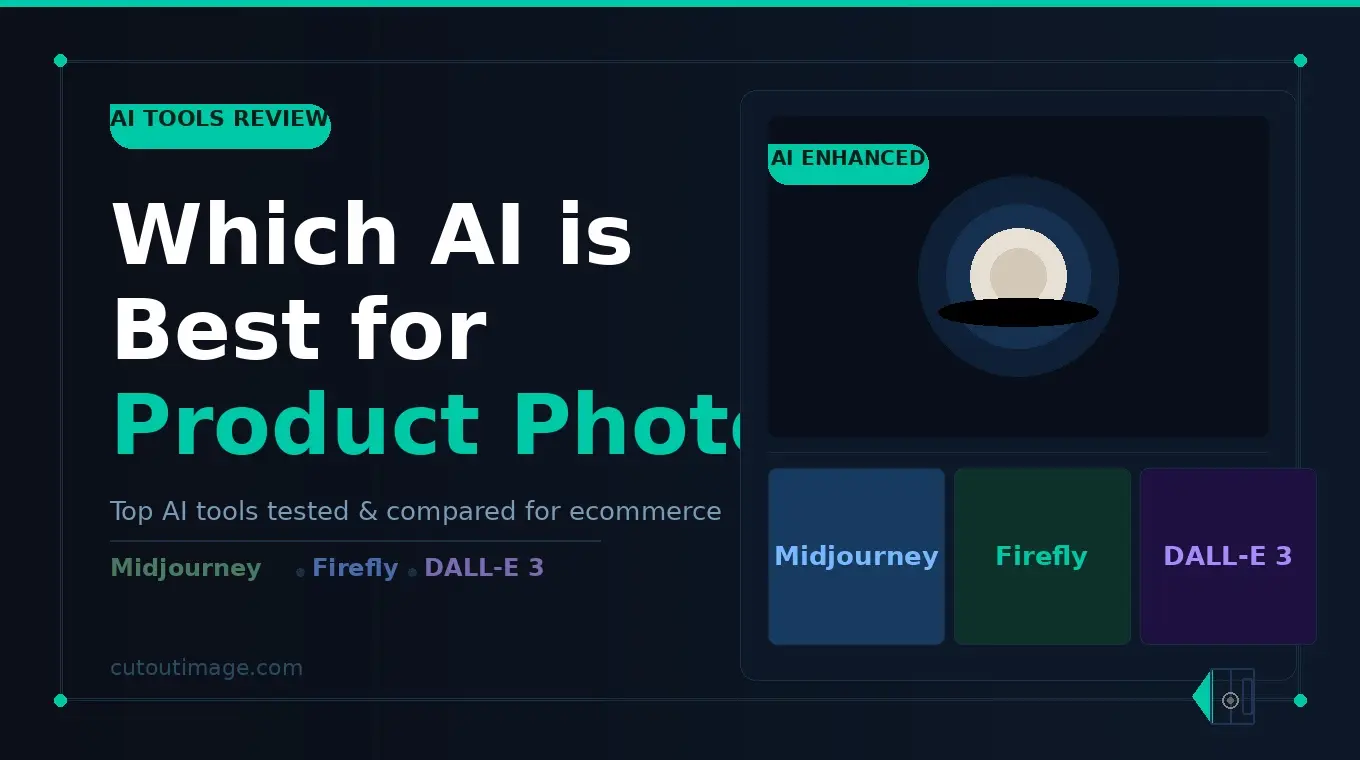
This is the question I hear most often from photographers, e-commerce owners, and studio managers who are ready to adopt AI but feel overwhelmed by the options. The honest answer? There isn’t one single “best” AI tool. The right choice depends on your specific needs, budget, and the level of human oversight you want.
Below is a straightforward overview of the top choices, focusing on ethical AI image tools that respect copyright, are transparent, and fit well into professional workflows.
- Adobe Firefly: Currently one of the most ethical and professional choices for product photography. It’s trained only on licensed and public-domain images, granting users commercial-safe usage rights. Excellent for background removal, generative fill, and precise object editing. Integrates seamlessly with Photoshop, making it ideal for studios already using Adobe tools. Many professionals choose it because it significantly reduces legal risks.
- Midjourney and DALL-E (ChatGPT-4o): Great for creating creative lifestyle scenes and rough design ideas. However, they are not recommended for main product photos due to concerns about the use of copyrighted materials in their training data and the risk that generated images may infringe on existing copyrights. It is best to use these tools for inspiration or early drafts, rather than final commercial images.
- Claude 3.5 + Artifacts (Anthropic): Growing in popularity for its strong ethical stance and careful approach to content generation. Good for text-guided editing instructions and careful refinements.
- Stable Diffusion: A flexible AI image generation model that you can run on your own computer with tools like Automatic1111 or ComfyUI, or use it through commercial services such as Leonardo.AI. Open-source versions give you a lot of control, but you need to be careful with your training data and use the model responsibly. Hosted platforms are usually easier to use and offer stronger safety and compliance features.
- Remove.bg + Photoroom: Specialized tools for fast, accurate background removal, making them ideal for high-volume product workflows. Many e-commerce image editors use these platforms to create clean, marketplace-ready visuals. Both tools have strong ethical policies and are easy to use, but you might need to make some additional edits afterward for the best results.
- Cutout.Pro & Pixelcut: These tools are designed to handle many images, making them great for repetitive tasks like removing backgrounds, adding shadows, and quickly improving product photos. If you have a big product list or need to edit many images at once, they can save you a lot of time. However, if you want every image to look polished and perfectly match your brand, professional AI product editing services can deliver that extra level of quality and consistency.
- Luminar AI / Luminar Neo: Advanced AI-powered editing tools that focus on lighting, color grading, and overall visual enhancement with a more natural, photographic feel. They are useful for refining product images and improving mood and depth, especially when combined with structured editing for AI product photography. While powerful, they are best used as part of a broader workflow that includes expert image post-production to ensure commercial-quality consistency.
- Our Recommendation for Most Professionals: Our Recommendation for Most Professionals: We suggest that most professionals should not choose only one AI but use a thoughtful combination of different tools:
- For main editing jobs, use Adobe Firefly or other tools that are developed responsibly.
- To get the best results, have experts use AI tools for image and product editing to review and improve your final work.
- Reserve fully generative tools (like Midjourney) for inspiration only.
At Cut Out Image, we work with many clients who use a mix of these tools and then send their images to us for ethical refinement, color accuracy, and brand consistency. This combination delivers speed without compromising on quality or legal safety.
Key Ethical Questions to Ask Before Choosing Any AI Tool:
- Is the training data licensed and transparent?
- Do you get full commercial usage rights?
- Can you own the final output?
- Does the company have clear policies on copyright?
Choosing ethical AI image tools isn’t just about avoiding lawsuits — it’s about protecting your brand reputation in the long run.
Can I use AI for product photos?
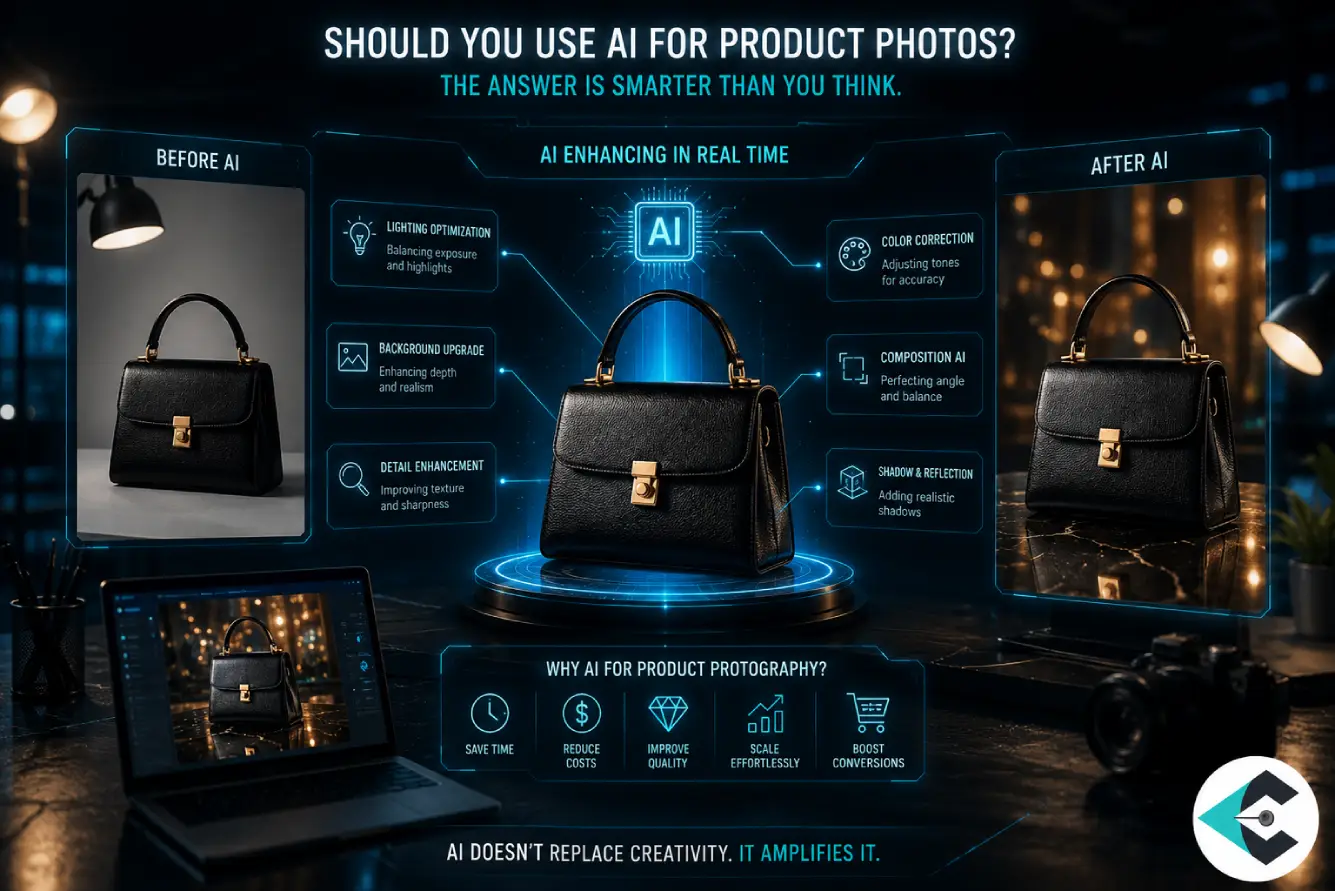
Yes — but with important nuances that can make the difference between images that build trust and images that quietly hurt your sales.
This is the question almost every e-commerce owner, photographer, and brand manager asks at some point. The short answer is: absolutely, you can (and probably should) use AI for product photos. The longer, more honest answer is: you can use it effectively when you understand its role and don’t expect it to replace good photography and professional finishing.
Here’s the practical reality:
Yes, for speed and efficiency: If you have hundreds of products to photograph, AI can dramatically reduce your workload by handling-
- Background removal,
- Basic color correction,
- Dust cleanup,
- Simple retouching.
Many furniture brands and florists now shoot quickly in their warehouse and let AI do the heavy lifting before sending images for final polish.
Yes, for product visualization: If your goal is speed and variety, AI is already strong enough to help. You can use it for:
- Creating background variations
- Generating lifestyle scenes
- Enhancing simple product shots
- Producing multiple campaign visuals quickly
For e-commerce teams managing fast inventory changes, this directly supports e-commerce image editing services workflows. But visualization is only one layer of the equation.
Yes, for testing and variations:You can safely use AI to create different background options, lifestyle mockups, or color variations to see what performs best on your product pages. This kind of rapid experimentation was expensive and time-consuming before AI.
Yes, when combined with human skill: The best online businesses today use AI to get started quickly, but they know it’s not perfect. After the AI does the heavy lifting, they bring in expert editors to refine the images—fixing things like color accuracy, natural-looking shadows, and making sure everything fits their brand style.
Yes—but consistency still needs control: AI can generate many variations quickly, but consistency across a full catalog is where things get tricky. Without oversight, you may see:
- Different tones across similar products
- Shadows that do not match
- Branding styles that are a little different
For teams following a strict Product Page Checklist, this becomes a serious risk.
Yes, but brand identity must guide it: AI does not inherently understand your brand tone. Without clear direction, it may produce visuals that feel generic, Off-brand, and inconsistent across campaigns. That’s why many teams combine AI with defined style guides and professional image post-production workflows.
Yes, but realism is not guaranteed: One of the biggest gaps in AI-generated product visuals is the lack of realism. AI may create:
- Over-perfect textures
- Unrealistic lighting
- Slight distortions in edges or scale
These issues don’t always stand out individually—but they affect trust when customers compare products. That’s where professional AI product editing services step in to refine outputs before publishing.
No, if you expect perfect results with zero oversight: Purely AI-generated or heavily automated images can sometimes look “off” to customers. They might see unnatural reflections, slightly incorrect shapes, or a plain look that makes the product seem less valuable. This is especially true for high-end products, jewelry, makeup, or anything where texture and realness are important.
No, if accuracy and trust matter: If you’re selling things like skincare, food, or luxury goods, your customers really want to see the real deal. Letting AI handle everything can sometimes make your images look off or a little too perfect—which can turn people off or make them question your brand. Getting a professional to check your photos keeps things real and helps people feel good about buying from you.
A Real-World Approach That Works: A Real-World Approach That Works: Here’s how a lot of our clients at Cut Out Image actually get things done:
- Shoot real photos – don’t stress, even quick snaps with your phone in decent lighting can do the trick!
- Let AI handle the first round – clean up your shots and get rid of the background with just a few clicks.
- Hand things off to the pros for the finishing touches – think perfect colors, polished details, and images that really pop.
This hybrid method gives you the speed of AI and the quality customers expect.
The bottom line? Yes, you can and should use AI for product photos. Just don’t use it blindly. Treat it as a smart assistant rather than a complete solution. When paired with experienced hands, AI becomes one of the most powerful tools available for modern product photography.
The Growing Importance of AI Ethics in Product Photography
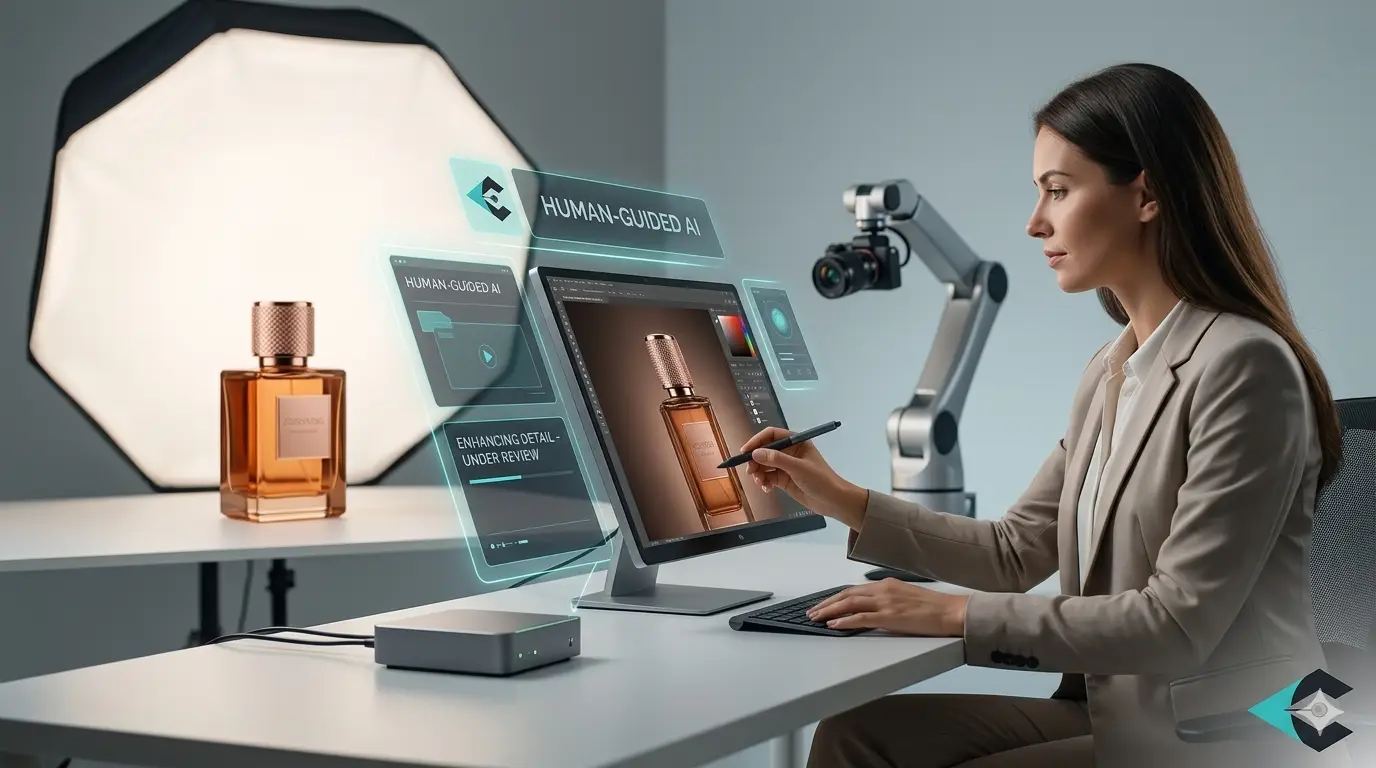
AI is showing up all over product photography now, so it makes sense to think about how to use it wisely and responsibly.
AI is really impressive. It’s fast, powerful, and can do some amazing things. But before you start using it, it’s a good idea to stop and ask a few important questions. Where did the training data come from? Who owns the final image? Could this cause legal problems later? These aren’t just technical details—they can affect your brand’s reputation and the future of your business.
Let’s talk about a few things you’ll really want to remember if you’re using AI right now:
- Training Data and Copyright Issues: Many well-known AI models were trained on millions of professional photos without the original creators’ permission. This has caused big arguments and legal cases in photography and design. Using these tools to create product images for sale can be risky, especially if you sell on big sites like Amazon, Shopify, or your own fancy store.
- Commercial Usage Rights: Not all AI tools give you clear ownership of the images they generate or edit. Some only offer limited licenses. This becomes critical when your product images are used in advertising, packaging, or large campaigns. Always choose tools that explicitly state full commercial rights.
- Transparency and Traceability: Ethical AI tools now clearly show what data they learn from and let artists choose not to participate. Adobe Firefly is unique because it was trained only on content that is licensed or free to use, making it one of the safest choices for professional work.
- Keep It Real: Ensure your product photos are authentic. Small edits are okay, but don’t make big changes that make the images look fake. Using AI too much to change how products look can make customers feel tricked, causing returns and less trust in your store. Showing products accurately is very important for online sales.
- Bias and Cultural Sensitivity: AI can sometimes reflect biases in the data it has learned, producing lifestyle images that don’t match your audience’s real environment or culture. This matters a lot to brands operating across South Asia, Europe, and the Middle East.
- What We Suggest: The best (and most honest) way is to mix things up. Use good, ethical AI tools—like Adobe Firefly or Photoroom Pro—to quickly edit your photos, then let real people do a final check. This way, you get fast results without losing the human touch or trust.
At Cut Out Image, we follow ethical AI practices and maintain high standards. Your product images look great, and you can trust they are safe, real, and reliable.
FAQs About AI Product Photography
Below are the 10 most frequently asked questions we receive about AI product photography, each answered clearly and honestly to help you understand the topic in depth:
Will AI replace professional product photographers?
Ans: Nope! AI can help with the boring, repetitive stuff, but human photographers bring creativity, style, and real connection that AI just can’t match. Think of AI as a helpful tool, not a replacement.
Are AI-edited product images safe for commercial use?
Ans: Yes, if you use trustworthy AI tools and you have the right rights. If you’re unsure, have a professional check it.
Can AI create product images without a real product?
Ans: Yes, technically, but it is not dependable for business use. Most brands still need real product photos as a starting point, especially to be accurate and trustworthy.
How much money can AI save on image editing?
Ans: It can reduce costs by 40-70% on large jobs, but low-quality AI might cost more later because of bad results or returns.
Can AI fix really bad product photos?
Ans: It can help, but there are limits. Good photos in, good results out—AI can’t work miracles.
Does AI get product colors right?
Ans: Almost! AI gets close, but for perfect brand colors, a human check is still smart.
Do customers trust AI product images?
Ans: Absolutely, choose images that look real instead of perfect. When pictures seem too perfect, they can make people doubt whether they are real.
How do AI images affect product page sales?
Ans: Good AI images can boost sales, but fake-looking ones can hurt trust and lead to more returns.
What’s the biggest mistake people make with AI product photography?
Ans: Trusting AI 100% with no human check. That’s when things start to look off.
Is AI product editing suitable for small businesses?
Ans: Definitely! It’s a game-changer for small businesses—fast, affordable, and pro-looking images.
Conclusion
AI product photography is not a disruption that replaces everything—it’s a recalibration of how visual production works. What once required long studio hours, repeated setups, and meticulous manual edits is now shifting into a more agile, layered system where AI accelerates execution and humans safeguard meaning.
AI has genuinely changed product photography. What once took days can now be done in hours, opening new possibilities for busy professionals everywhere.
Yet the clearest lesson from all the real stories we’ve witnessed is this: AI is a brilliant assistant, not a replacement. The brands and photographers who succeed long-term are those who use AI for speed and efficiency while trusting expert hands for accuracy, emotion, and authenticity.
At Cut Out Image, we help many businesses navigate this balance through careful AI image editing and post-production.
The future of product visuals isn’t about choosing sides. It’s about making the smartest combination — one that respects both technology and human craft.
In the end, great images still come from people who care. And that will never change.